Catalog DL
Catalog DL
How to Download
Place the pointer over the link text and right-click. In the menu that appears, select "Save link as" ("Save Linked File As…" on Mac).
Alternatively, click the text link. After the PDF opens in a separate window, move your mouse to the lower-right corner of the window to display the Acrobat Reader menu bar.
Click the 2nd icon from the right to download (save) the displayed file.
※ Depending on your internet connection speed and computer environment, downloading and displaying the PDF file may take some time.
※May differ between Mac and Windows.


Adobe Acrobat Reader (free software) is required to view PDF files.
Download here.
KOTO Tools
KOTO aims to create unique tools that meet the needs of the times.
We listen to users and develop tools closely aligned with work in the field, based on the concept of "safe, easy, and fast."
KOTO tools combine the finest materials with the most suitable manufacturing processes to deliver sturdy, safe tools that last for years. Some customers even use them across generations.
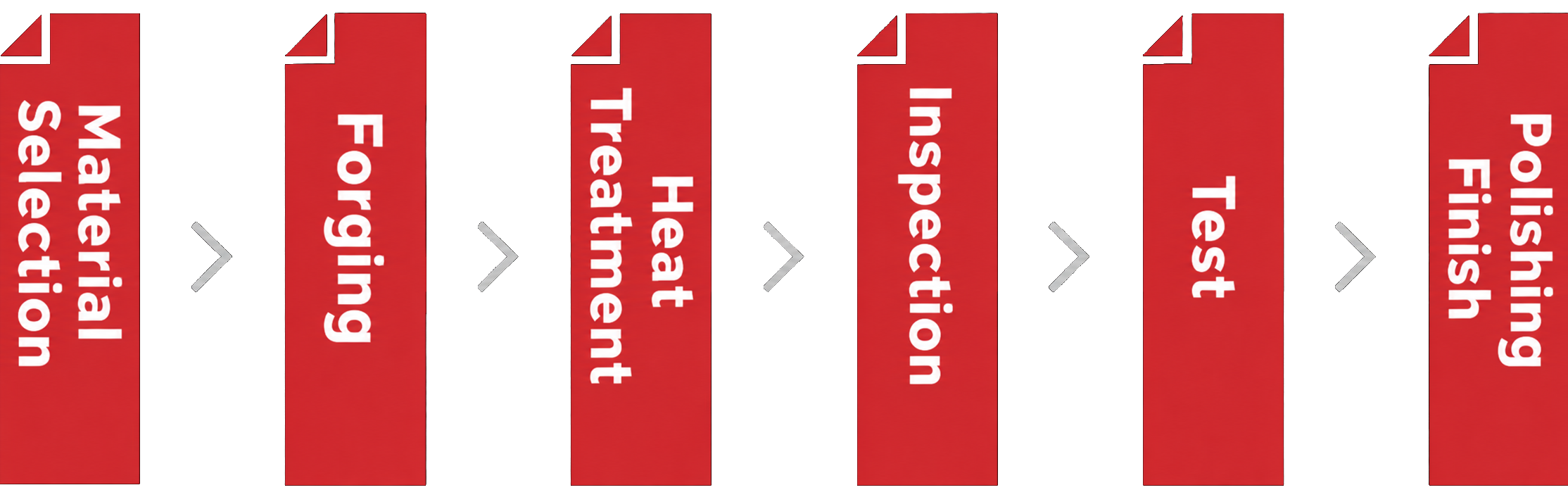
To remain the best choice for our customers, we handle every stage in-house—from development and material selection to machining and finishing—to provide tools you can use with confidence.

Adobe Acrobat Reader (free software) is required to view PDF files.
Download here.
KOTO for Safety and Reliability
 Koto Sangyo Co., Ltd.
- Tokyo HQ
- 〒132-0035 1-4-15 Hirai, Edogawa-ku, Tokyo
- Oyama
- 92-2 Nishikuroda, Oyama-shi, Tochigi 329-0203
- Saitama
- 1-9-28 Higashicho, Iwatsuki-ku, Saitama-shi, Saitama 339-0055


